
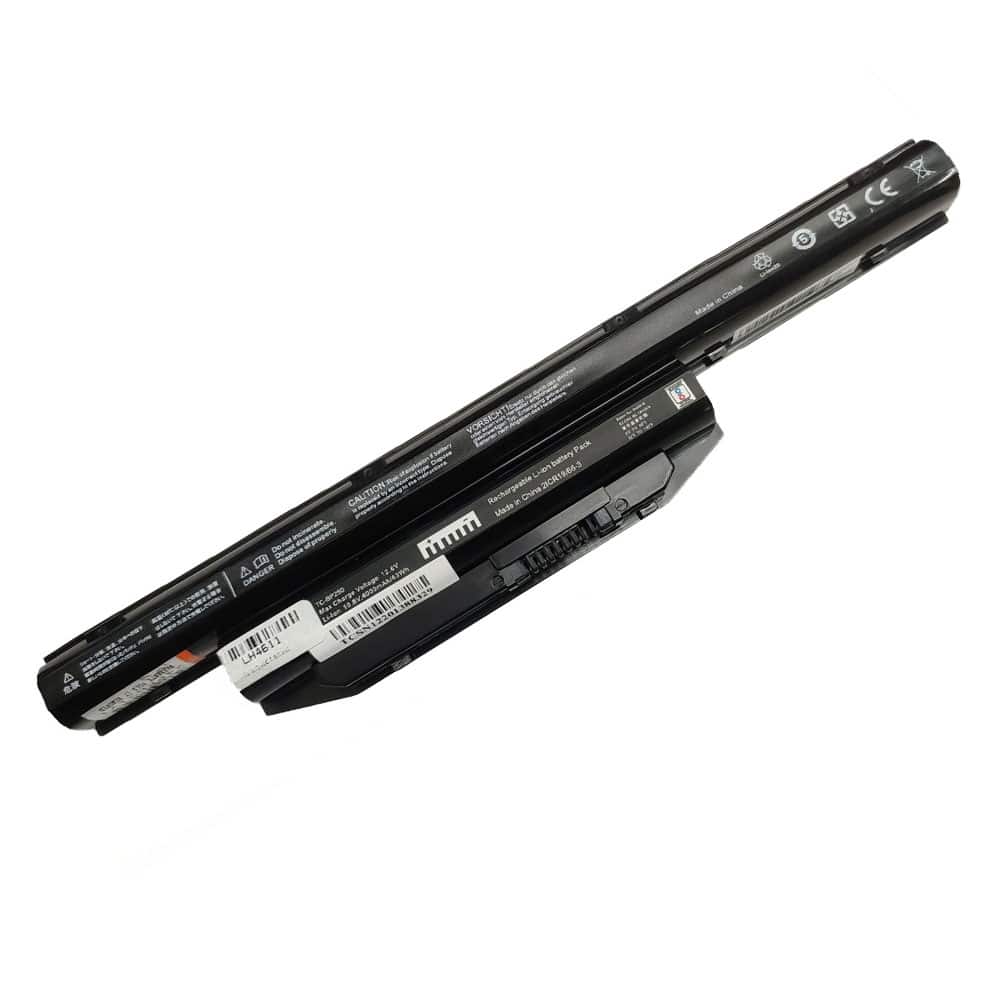
Fujitsu Laptop Battery: FPCBP416 and FPCBP429 Models Explained
Overview of the Fujitsu Laptop Battery
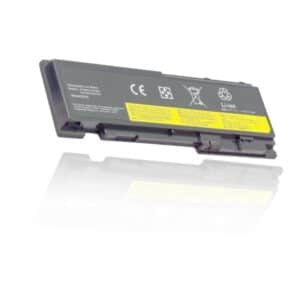
When it comes to ensuring your Fujitsu laptop runs efficiently and reliably, choosing the right battery is crucial. The Fujitsu FPCBP416 and FPCBP429 batteries are excellent options, designed to deliver dependable performance for various LifeBook models. These batteries not only have a sleek black design but are also constructed using high-quality Li-ion chemistry, ensuring longevity and optimal performance.
Key Specifications
– Condition: Brand New
– Battery Chemistry: Li-ion
– Color: Black
– Voltage: 10.8V
– Cells: 6 cells
– Capacity: 4200mAh/4000mAh – 49Wh/43Wh
Compatibility with LifeBook Models
These batteries are compatible with an extensive range of Fujitsu LifeBook models, including:
– LifeBook A555
– LifeBook A514
– LifeBook A557
– LifeBook A564
– LifeBook E754
– LifeBook E744
– LifeBook E753
– LifeBook E743
– LifeBook AH544
– LifeBook S904
– LifeBook A544
Essential Tips for Using Your Fujitsu Laptop Battery
To maximize the performance and lifespan of your Fujitsu laptop battery, follow these essential tips:
1. Initial Charging: Out of the box, the Fujitsu FPCBP429 battery may come in a discharged or partially charged state. It’s vital to conduct 2-3 complete charge/discharge cycles to optimize performance. During the early charging phases, you might notice the laptop power meter hitting 100% sooner than expected. Don’t be alarmed; simply remove the battery, reinsert it, and repeat the charging process.
2. Regular Maintenance: Aim to fully charge and discharge your battery every two weeks. Skipping this step could lead to a reduced lifespan and performance degradation over time.
3. Battery Backup Time: The Fujitsu FPCBP429 battery typically provides backup for a minimum of 2-3 hours. However, this duration will vary based on your laptop’s usage and overall condition.
4. Troubleshooting Charging Issues: If your battery isn’t charging, consider testing a different charger. A malfunctioning charger could be the cause of the problem.
5. Long-Term Storage: If you plan to store your battery for an extended period, it’s prudent to remove it from your device. Store the battery in a cool, dry, and clean environment to preserve its integrity.
Compatible Part Numbers and Models
For those looking for specific identifiers, the Fujitsu laptop battery is compatible with various part numbers including:
– BPS229
– BPS231
– FMVNBP227
– FMVNBP228
– FMVNBP231
– And many more.
How to Replace Your Fujitsu FPCBP429 Laptop Battery
Replacing your Fujitsu laptop battery is a straightforward process that can be accomplished with careful steps:
1. Power Down: Make sure your laptop is turned off and unplugged from the AC adapter.
2. Release the Battery: Identify and release the latch or any other mechanisms holding the battery in place.
3. Remove the Old Battery: Carefully slide the old battery out of its compartment.
4. Insert the New Battery: Take your new Fujitsu FPCBP429 battery out of the packaging and slide it into the designated notch or compartment.
5. Secure the Battery: Close the safety latch to lock the battery in place.
6. Reconnect and Charge: Finally, reattach the AC adapter and allow the new battery to charge fully before use.
Conclusion
Investing in a Fujitsu laptop battery like the FPCBP416 or FPCBP429 is a smart choice for anyone looking to enhance their laptop’s performance and reliability. With proper maintenance, installation, and storage practices, you can extend the life of your battery and enjoy uninterrupted usage of your Fujitsu LifeBook. Whether you are replacing an old battery or purchasing a new one, these models stand out as effective solutions for your power needs.
Reviews
There are no reviews yet.